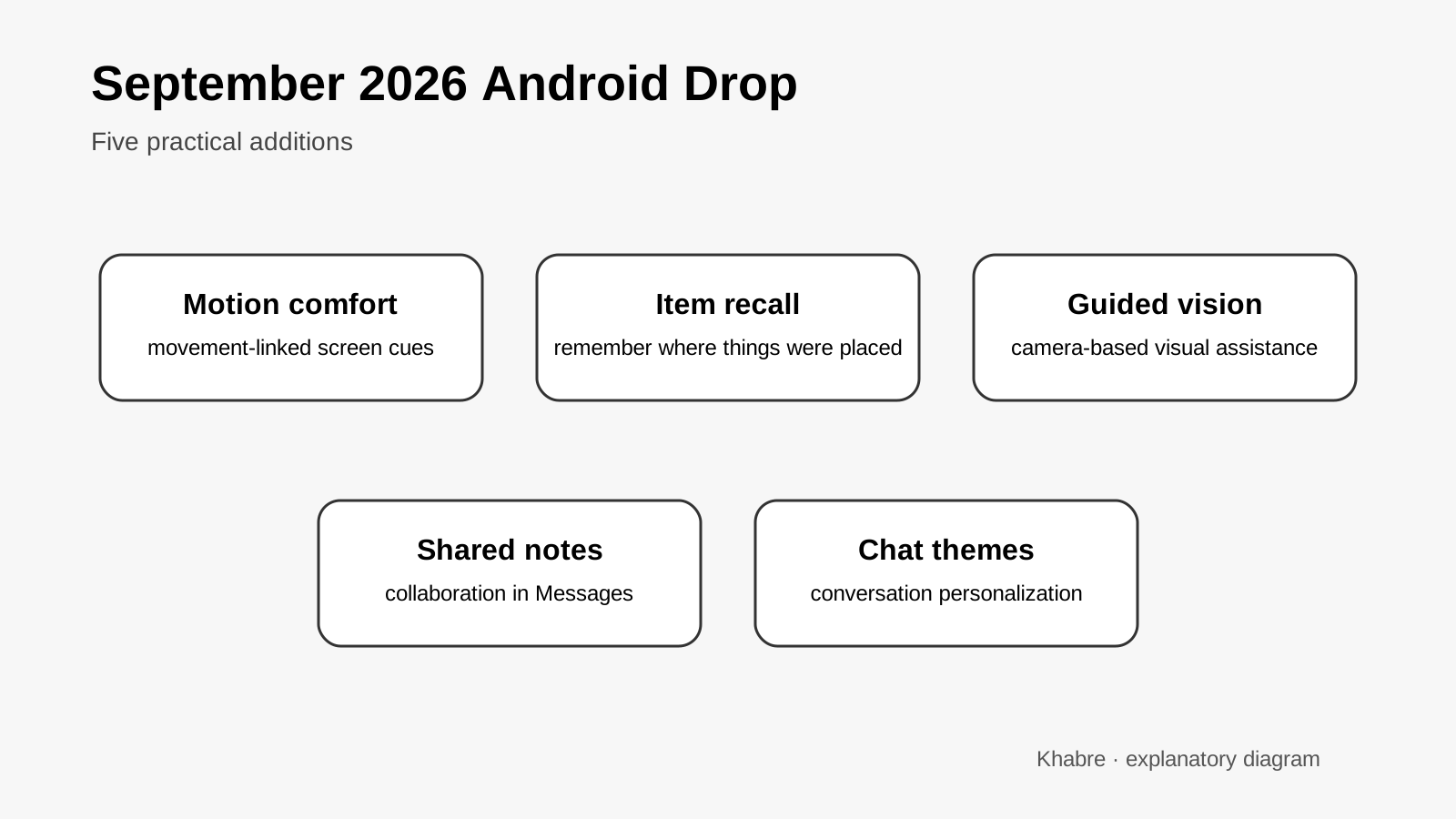
Google's September 2026 Android Drop introduces five features aimed at everyday usability rather than a major operating-system redesign.
The update includes a screen overlay intended to reduce motion sickness while travelling, a Gemini-based way to remember where an object was placed, a Guided vision accessibility feature, collaborative notes in Google Messages and custom chat themes.
Availability can vary by device, region and software version, so the presence of the Android Drop does not mean every feature will appear on every Android phone at the same time.
Contents
- Motion-sickness reduction
- Gemini-based item recall
- Guided vision
- Collaborative notes in Messages
- Custom chat themes
- What users should check
Motion-sickness reduction
One of the more unusual additions is a visual overlay designed for people who feel motion sickness while looking at a phone in a moving vehicle.
Motion sickness can occur when visual information and signals from the inner ear disagree. If the eyes are focused on a relatively stationary screen while the vestibular system senses acceleration, turning and braking, the mismatch can trigger nausea or discomfort in susceptible people.
Google's feature adds visual cues to the display that reflect vehicle movement, giving the eyes additional information that may better match what the inner ear is sensing.
The idea is similar to motion-cue approaches already explored on other mobile platforms. It is a comfort aid rather than a medical treatment, and effectiveness will vary between individuals.
Gemini-based item recall
Google also allows Gemini to help users remember where they placed physical objects.
The practical idea is simple: a user can tell Gemini where an item has been left and later ask for that information. This turns the assistant into a lightweight memory aid for objects such as keys, documents or luggage.
The usefulness depends on the user explicitly providing enough information when the object is placed. The system cannot independently know where an item is unless relevant information has been supplied or captured through supported interactions.
Guided vision
Guided vision is an accessibility-oriented feature designed to help users understand their surroundings through the phone.
Google says the feature can provide descriptions and guidance based on what the camera sees. This type of tool can assist people with low vision by turning visual information into spoken or textual descriptions.
As with other computer-vision systems, users should expect limitations with fine detail, rapidly changing scenes and ambiguous objects. It should not be treated as a substitute for safety-critical visual judgement.
Collaborative notes in Messages
The September Drop also adds collaborative notes inside Google Messages.
Instead of moving a conversation into a separate document app, participants can create and update shared notes from the messaging context. Potential uses include shopping lists, travel plans or shared tasks.
This is a relatively small feature, but it reflects a broader trend of messaging apps becoming lightweight collaboration environments rather than purely conversation tools.
Custom chat themes
Google is also expanding personalization with custom themes for chats.
Themes change the appearance of a conversation without altering the underlying message content. The feature is mainly cosmetic, but visual differentiation can make it easier to distinguish conversations at a glance.
What users should check
Google presents these features as part of the September 2026 Android Drop, but rollout details can differ across devices and markets.
Users should check their Android system updates and relevant Google app updates rather than assuming a feature is absent permanently if it does not appear immediately.
For Indian users, Google has not described a single India-specific rollout schedule covering every feature in the announcement, so availability should be verified on the individual device.
Primary source
- Google. September Android Drop: Remember where you put things, ease motion sickness, and more. 1 September 2026. https://blog.google/products-and-platforms/platforms/android/Android-Drop-September-2026/